
Strength Training for Coaches
Program gym sessions with the exercise and workout libraries, schedule them for athletes, and review completed strength work.
Use the shared Library and Coaching → Calendar to prescribe strength work the same way you prescribe endurance sessions—then review what athletes actually logged.
Build reusable strength content
Exercises
- Open Library → Exercises (coach library when coaching context is active).
- Create exercises with movement pattern, intent, muscle groups, prescription defaults, and optional video/instructions.
- Keep naming consistent so athletes and staff can search the same catalog.
Gym workout templates
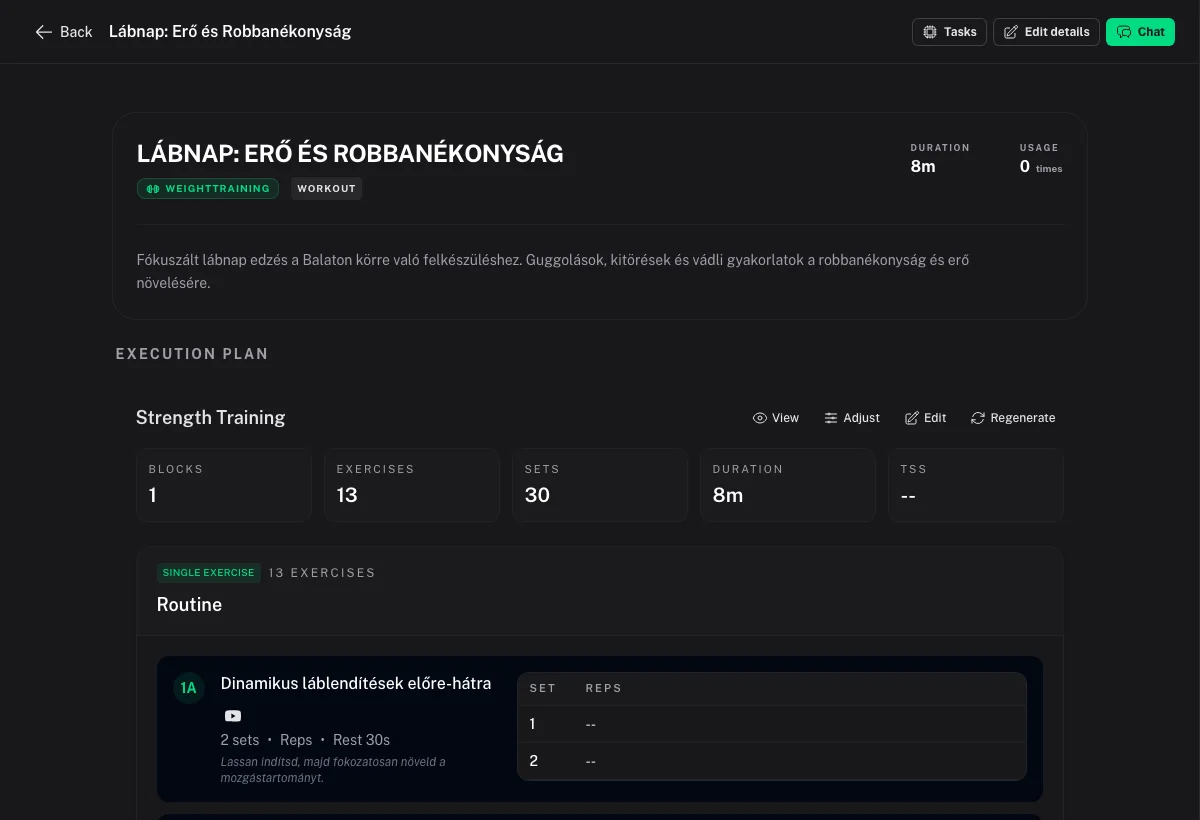
- Open Library → Workouts → New Workout → type Gym.
- Structure the session with blocks (warmup, single exercise, superset, circuit, cooldown).
- Pull exercises from the library, set rows and load fields the editor supports, and save the template into a folder if needed.
- Set planned duration or TSS override when you want calendar load to reflect the gym day.
See Coach Library & Sharing for folders, ownership, and Private / Team / Public visibility on plans.
Prescribe to an athlete
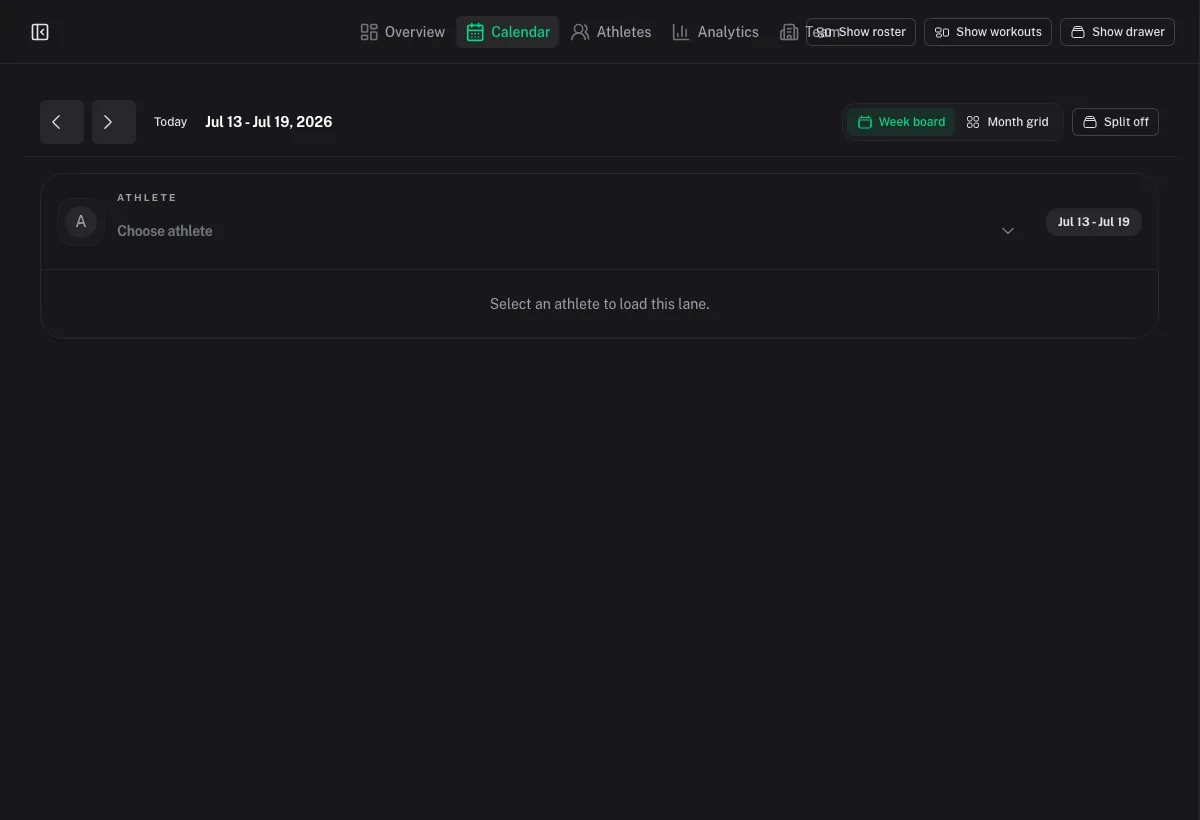
- Open Coaching → Calendar.
- Select the athlete.
- From the Workouts drawer, schedule a Gym template onto a date (or pull a session from a plan blueprint).
- Adjust the week with move/copy as availability changes.
Athletes can also schedule their own library copies from Activities. Clarify with each athlete whether gym days are coach-owned or self-managed.
How athletes log sets
There is no live in-app set logger for athletes today. Typical completion paths:
- Hevy sync into Coach Watts (athlete connects Hevy under Settings → Apps)
.fitupload or a manual strength/gym activity- Matching the completed activity to your planned Gym session on the calendar
Point athletes at Strength Training and Hevy Integration.
Review completed strength work
- Coaching → Overview — compliance and recent activity signals.
- Coaching → Calendar — planned vs completed vs matched coloring; open the completed summary.
- Coaching → Athletes → athlete profile — recent completed work; use workout comparison when you need side-by-side sessions.
Message Athlete opens AI Chat with athlete context; it does not notify the athlete. Use your normal messaging channel for feedback. See Messaging & AI-Assisted Review.
Programming tips
- Prefer library exercises over one-off inline definitions when you will reuse the movement.
- Keep strength and endurance on the same calendar so load and recovery stay coherent.
- For team catalogs, use Team visibility on shared plans/workouts rather than emailing files.
- Be explicit about RPE, tempo, or rest in exercise instructions if those fields matter for your method—the editor exposes the prescription fields available in product; put coaching cues in instructions when a field is missing.